







Honest survival
Classic SMP with no balance-breaking mechanics. Your progress depends on you alone.
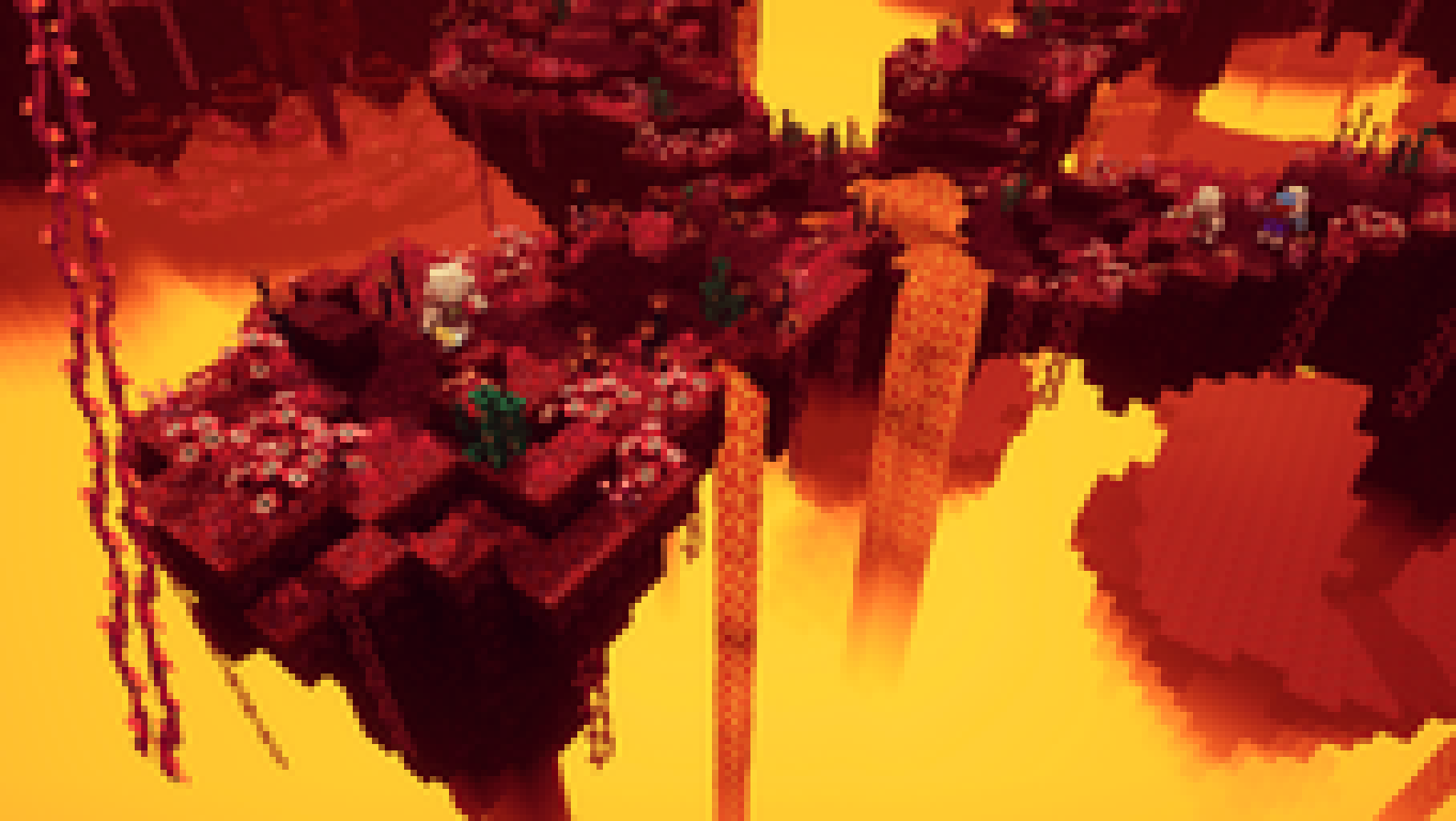
Java · Bedrock · SMP survival
Survival without limits: your own cities, an honest economy, events and an endless world we build together. Join in — your story starts here.




About
LostEarth is vanilla survival with well-thought rules, a living economy and staff who value fair play.
We built a server that feels right for solo players and big groups alike. No pay-to-win, no intrusive shops, no balance-breaking items — just clean gameplay and everything that makes Minecraft special.
The world is huge and alive: build bases, team up in clans, trade on the market, join events, explore biomes and dungeons. Griefers and cheaters are handled strictly — the rules protect every player.
Java and Bedrock play together. All you need is the IP and version — connecting takes seconds.



Features
Classic SMP with no balance-breaking mechanics. Your progress depends on you alone.
Player trading, shops and resource exchange — earn the fair way.
Land claims and clear rules keep your base safe from griefers.
Build together, form clans and create real cities.

Play from PC or phone on the same server — crossplay supported.

Regular events, contests and an administration that actually replies.
Gallery
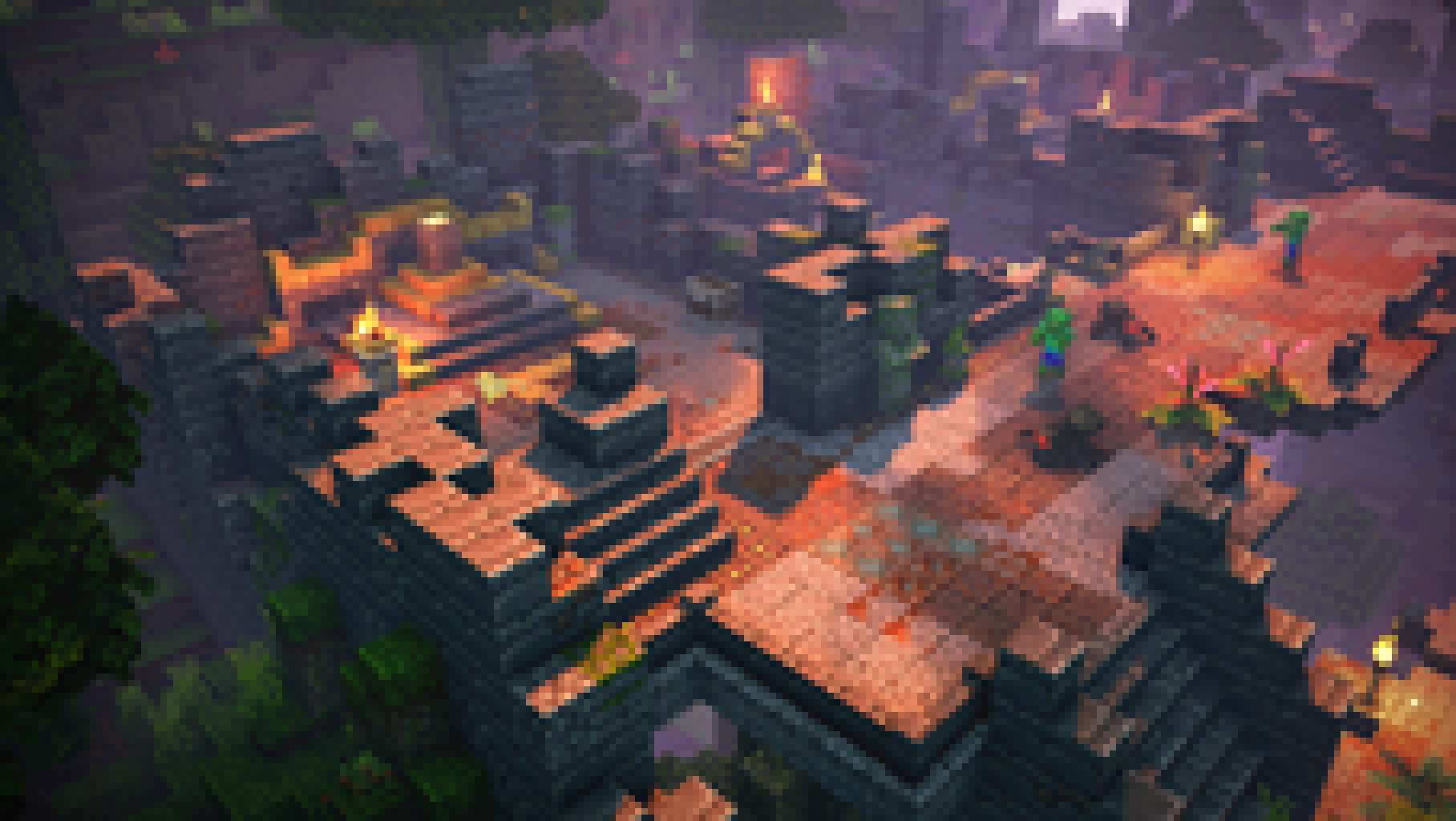
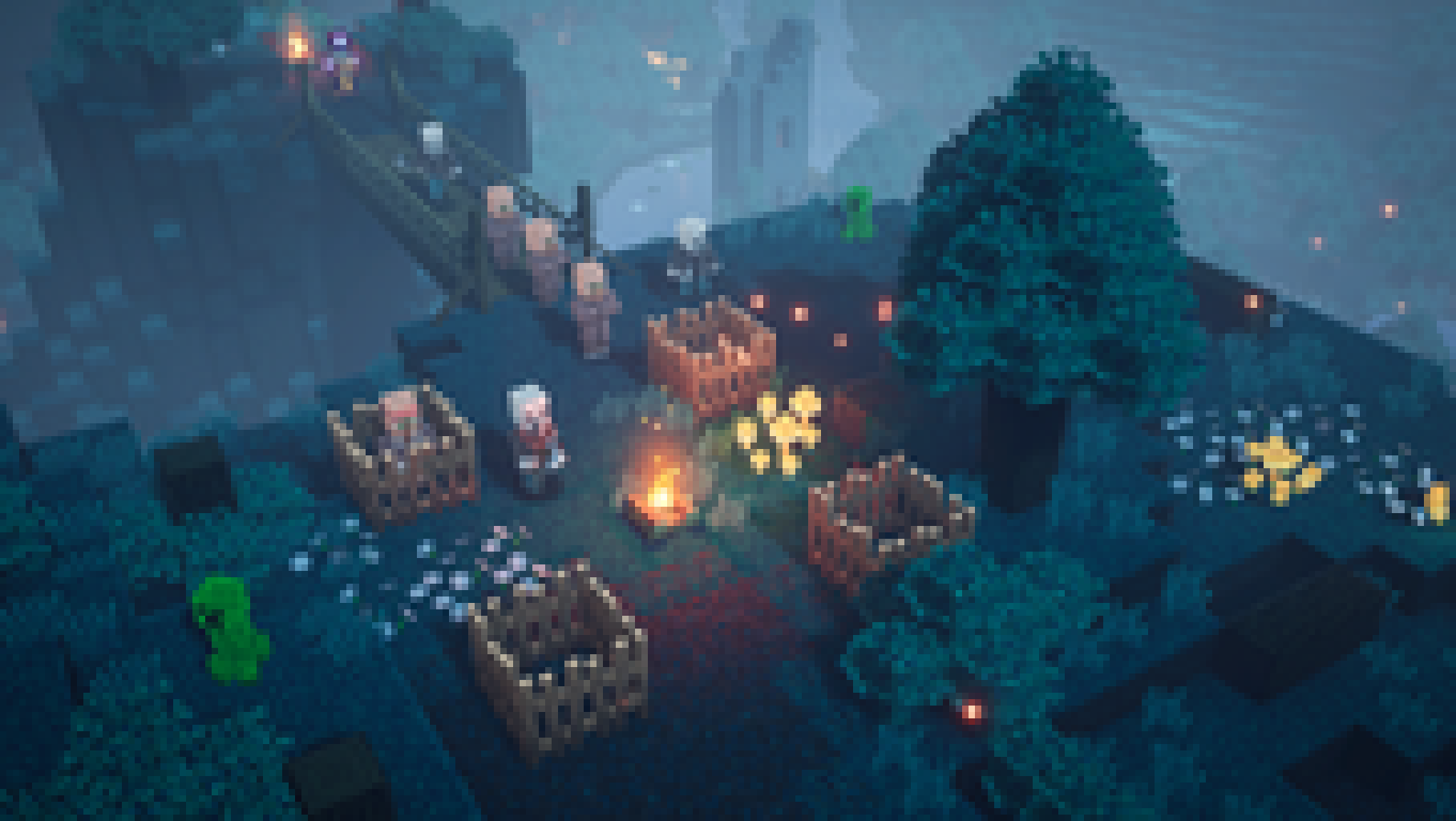
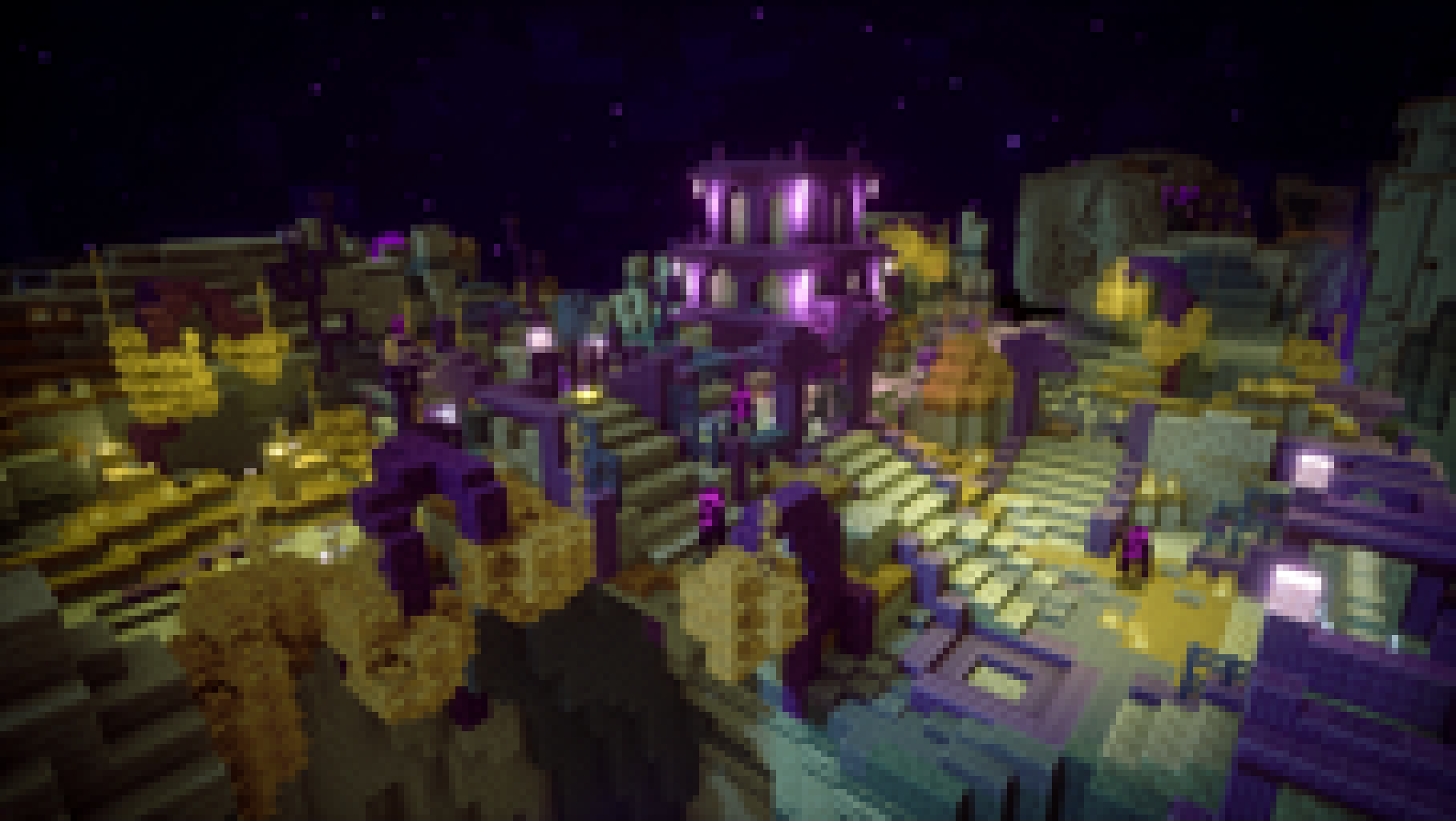
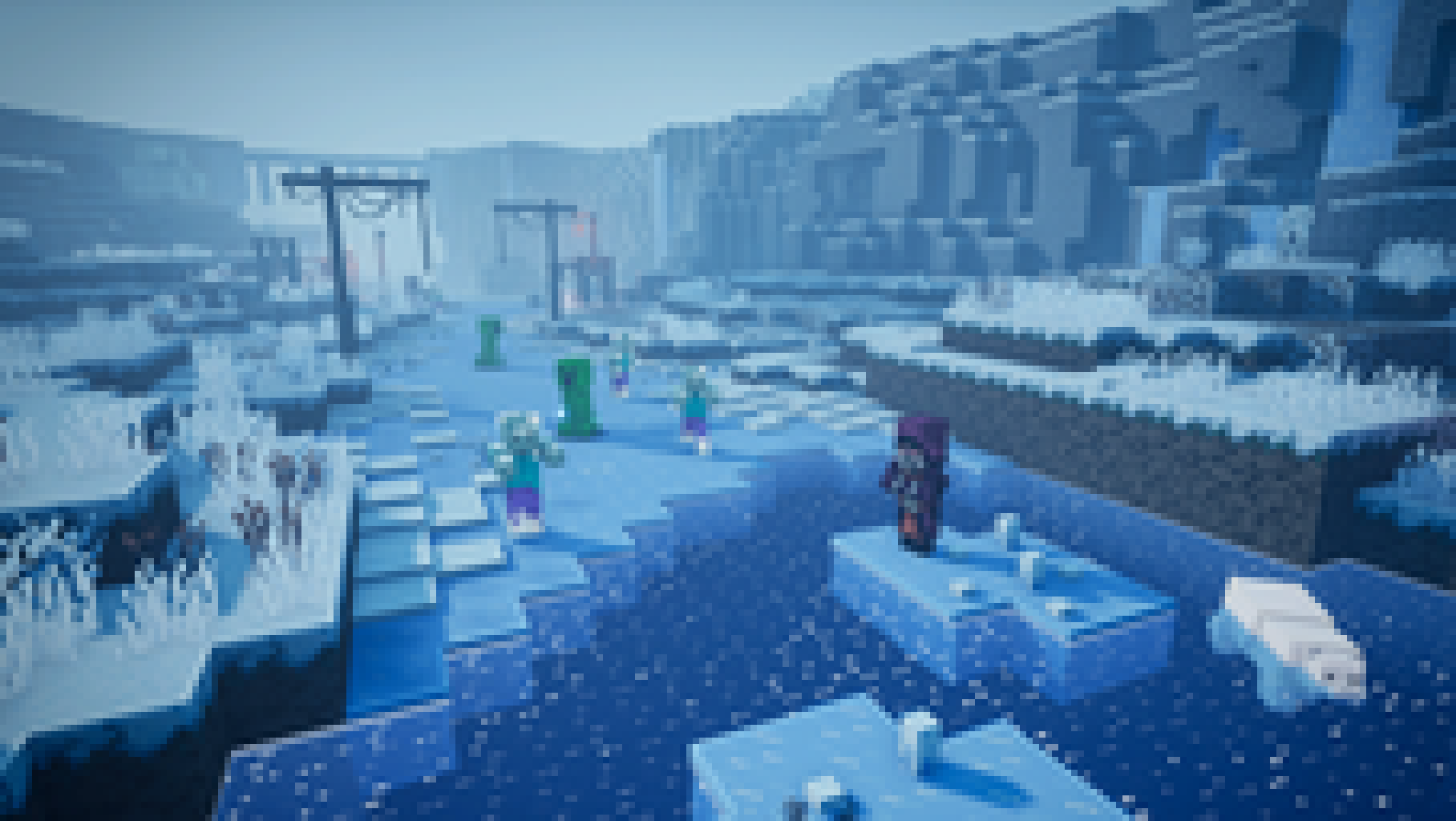
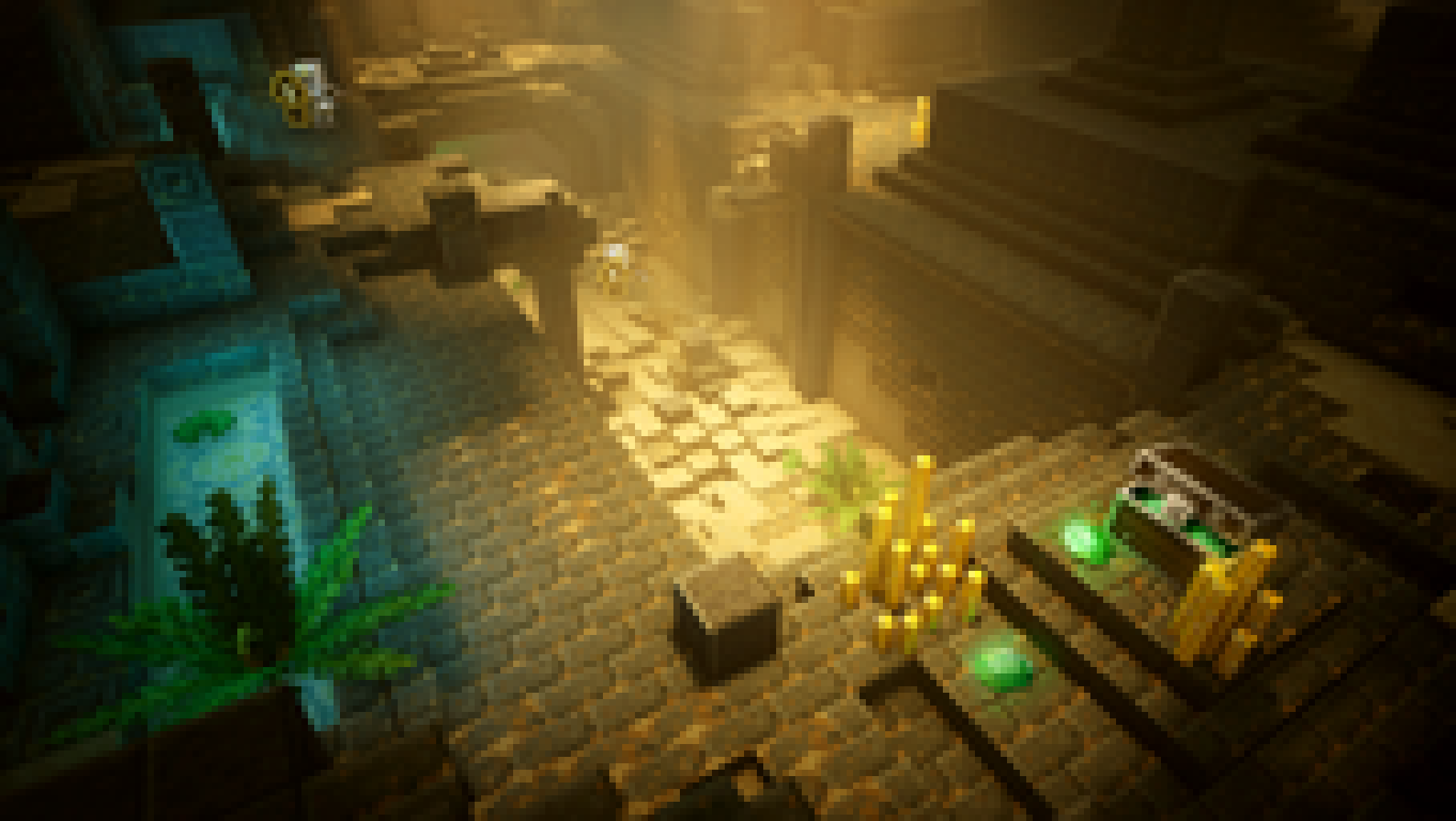
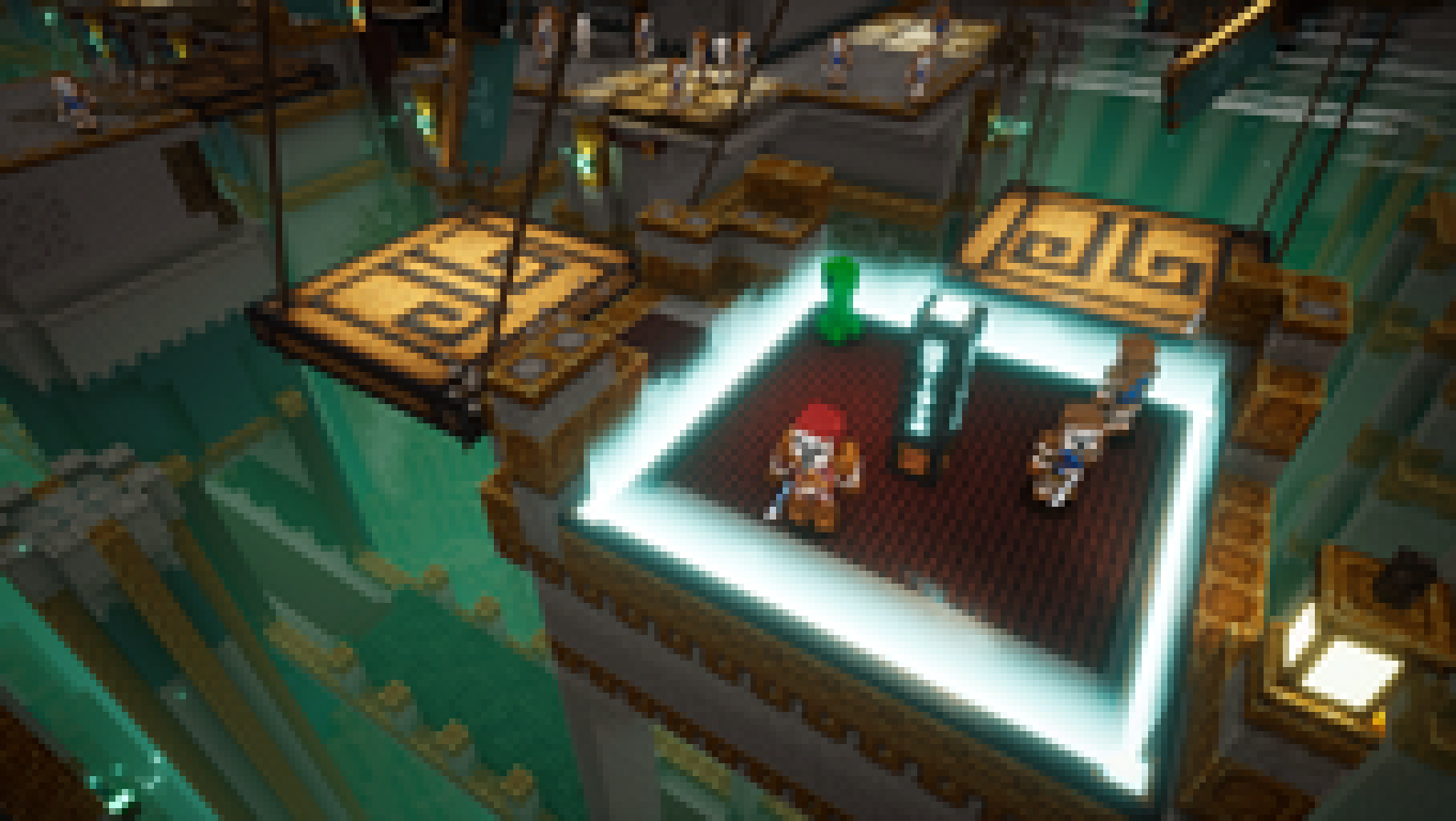
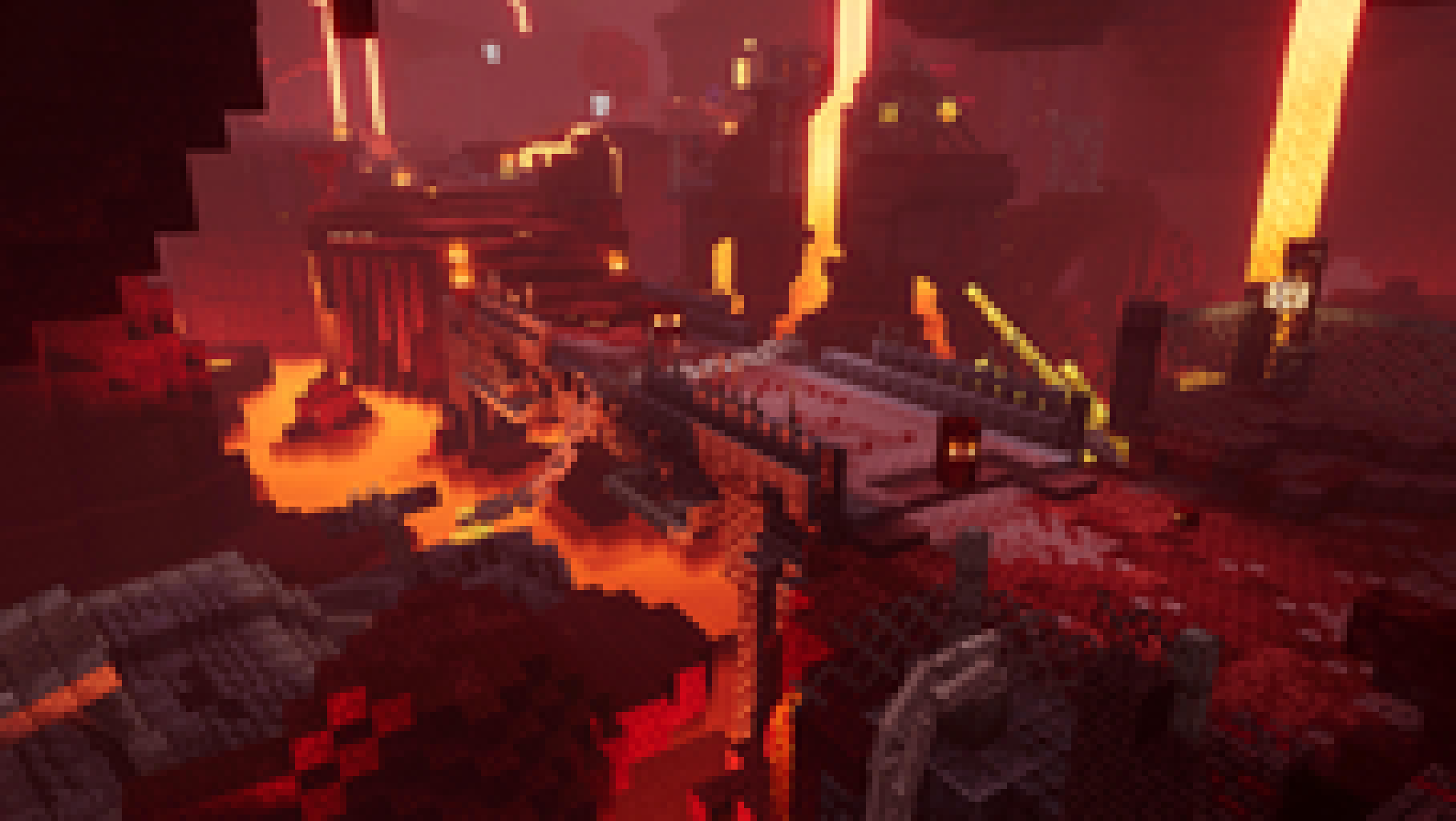
Impressions and art from the Minecraft universe. Every world is a new story.
Connect
Pick your edition, copy the address and add the server. Minecraft does the rest.
Status
One server, two ways to join. Java and Bedrock play in the same world (crossplay).
Both adapters point to the same LostEarth server. Java and Bedrock meet in one world — crossplay.
The server is offline right now. Check the Telegram channel for announcements.
Rules
A few core rules below. The full list lives on its own searchable page, grouped by category.
Using or storing prohibited software: cheat clients; X-Ray mods and resource packs of any version; Freecam; macros and scripts (Baritone and alike); bots/alts imitating cheat functions. Mods that partially or fully perform cheat functions are also prohibited.
5–10 day banBug abuse.
Take all resources and issue a 5–12 hour banAdvertising anything in chats or direct messages.
Permanent IP banThreats, stalking, swatting, doxxing.
Permanent ban


Copy the IP, hop into the game and become part of LostEarth. We are already building — join us.